

← All use cases
DRE as a Databricks job
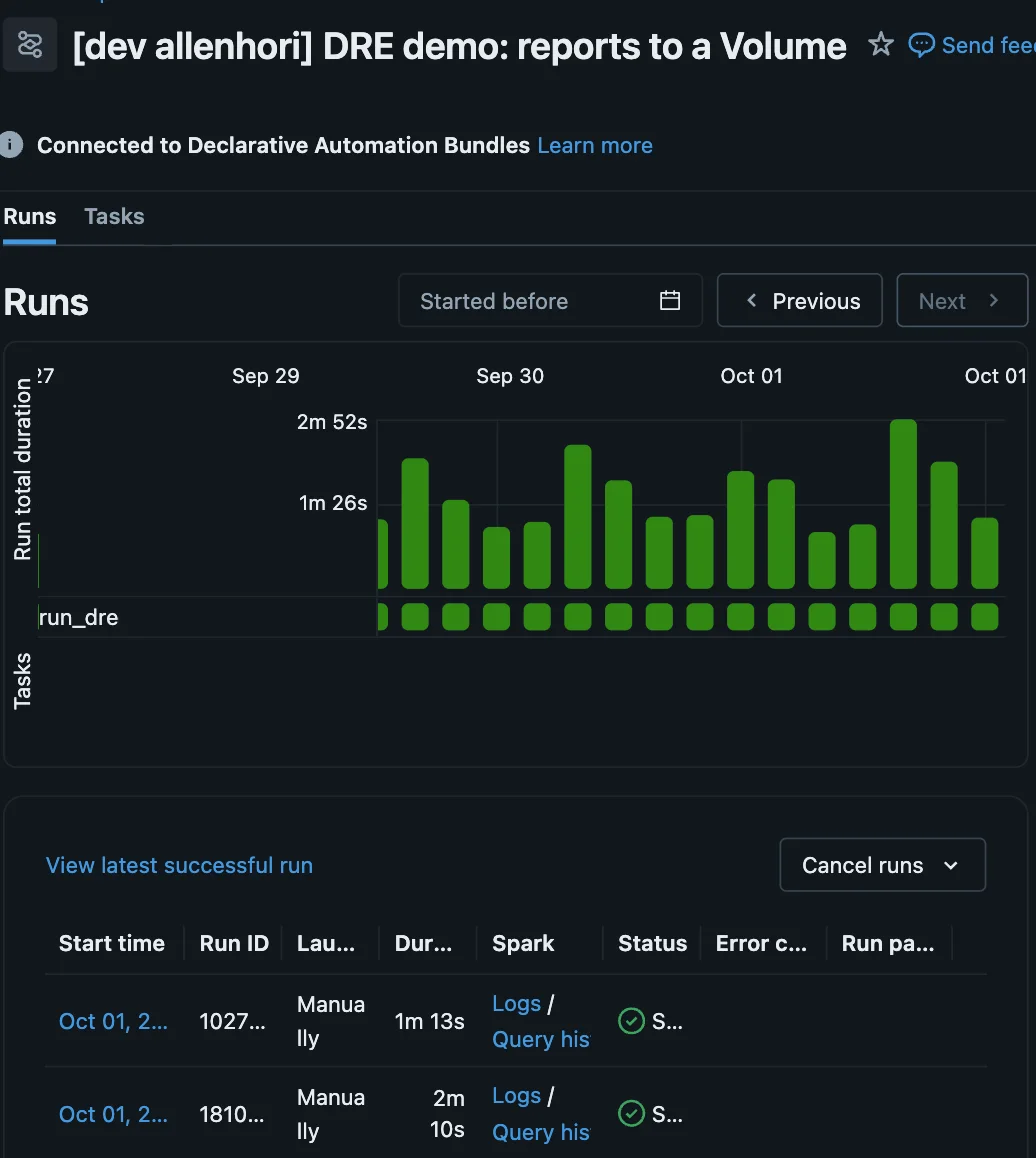
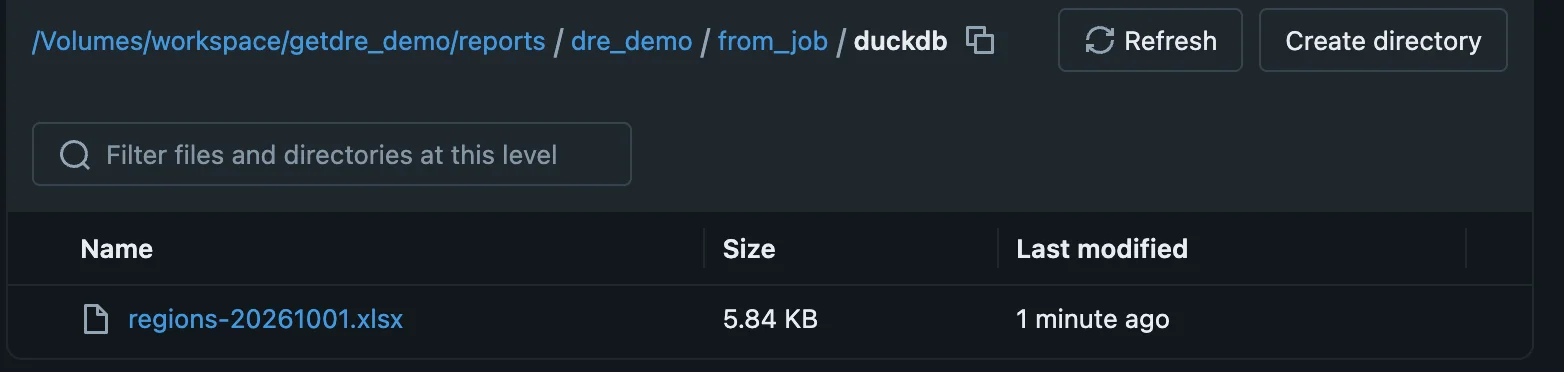
You already run your pipelines on Databricks. DRE installs from a Python wheel inside a Databricks job, reads from your warehouse, and writes the result straight to a Unity Catalog Volume, where the volume is mounted on the job’s compute.
resources:
  jobs:
    dre_reports:
      name: "DRE demo: reports to a Volume"
      description: Installs DRE from the dre-cli wheel and runs the project's `job` reports.
      max_concurrent_runs: 1
      tasks:
        - task_key: run_dre
          environment_key: dre
          spark_python_task:
            python_file: ./bundle/run_dre.py
            parameters:
              - --root
              - ${workspace.file_path}
              - --select
              - "tag:job"
              - --set
              - all
              - --http-path
              - ${var.warehouse_http_path}
              - --volume
              - ${var.volume}
              - --run-date
              - ${var.run_date}
              - --target-check
              - ${var.target_check}
              - --plugins-dir
              - ${var.plugins_dir}
      environments:
        - environment_key: dre
          spec:
            client: "2"
            dependencies:
              - ${var.wheel}
- databricks-sdk>=0.40# Run by the Databricks job (bundle/): DuckDB data shipped with the job, written to the Volume.
# On Databricks compute the volume is mounted, so DRE copies to /Volumes directly.
queries:
- {query: job_region_summary, tab_name: Regions}
- {query: job_run_facts, tab_name: Run}
output:
format: xlsx
destination:
profile: vol_auto
path: "{{ env_var('DATABRICKS_VOLUME', '/Volumes/workspace/career_vista/dre_output') }}/dre_demo/from_job/duckdb/regions-{{ run.date.yyyymmdd }}.xlsx"databricks bundle deploy -p DEFAULT --var "wheel=./dist/dre_cli-0.1.0-py3-none-manylinux_2_35_aarch64.whl"
databricks bundle run dre_reports -p DEFAULT --var "wheel=./dist/dre_cli-0.1.0-py3-none-manylinux_2_35_aarch64.whl"