

← All use cases
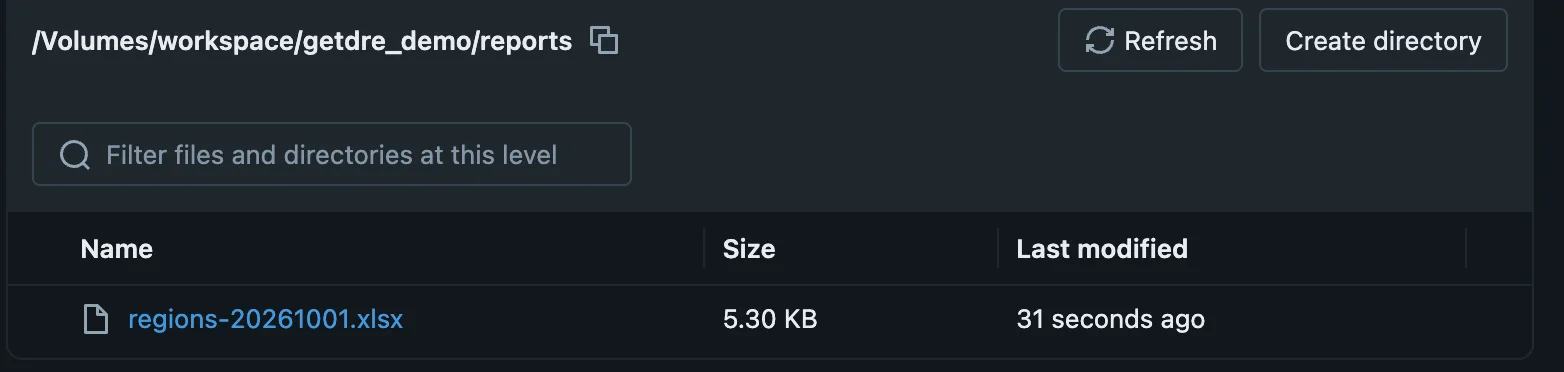
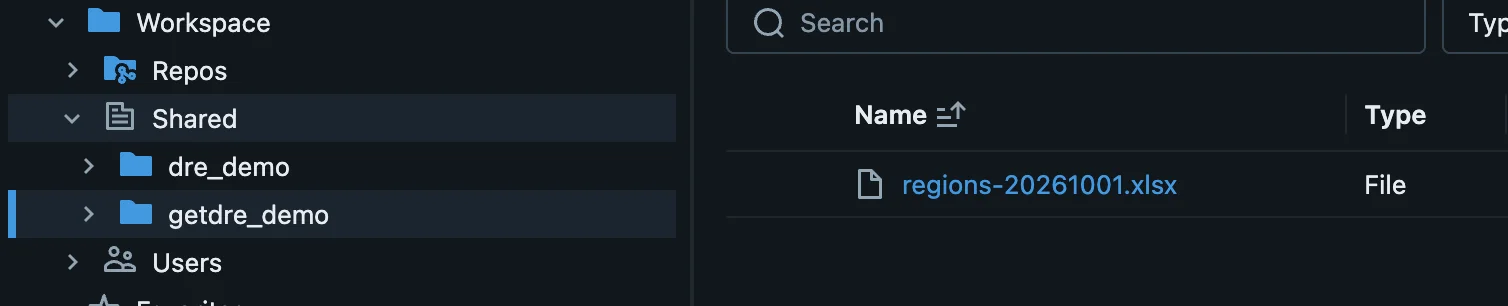
Save to a Databricks Volume or workspace
The same destination works from anywhere. Outside Databricks, DRE uses the Files API and the Workspace API with your sign-in. Inside a Databricks job, the Volume and /Workspace are mounted, so DRE copies the file there directly. Workspace files are always plain files, never turned into notebooks.
destinations:
  vol_auto:
    target: dev
    targets:
      dev: &vol {type: databricks, host: "{{ env_var('DATABRICKS_HOST') }}", auth_type: auto}
      job: *vol            # in a Databricks job the volume is mounted
  ws_auto:
    target: dev
    targets:
      dev: &ws {type: databricks, host: "{{ env_var('DATABRICKS_HOST') }}", auth_type: auto}
job: *wsqueries:
- {query: finance_regions, tab_name: By region}
output:
format: xlsx
columns:
net: {format: "#,##0.00"}
destination:
- profile: vol_auto
path: "/Volumes/workspace/getdre_demo/reports/regions-{{ run.date.yyyymmdd }}.xlsx"
- profile: ws_auto
path: "/Workspace/Shared/getdre_demo/regions-{{ run.date.yyyymmdd }}.xlsx"dre run databricks_delivery